The All-in-One CRM Built Exclusively for Real Estate
Manage listings, leads, deals, and marketing from one powerful platform. Save 10+ hours weekly per agent.
Explore Our Platform
Tired of Juggling Multiple Tools?
Most real estate professionals waste hours switching between CRM, listings, email marketing, and portal management. There's a better way.
The Old Way
- Leads falling through the cracks
- Juggling 5+ different tools
- Manual portal updates wasting hours
- No central view of your pipeline
- Missed follow-ups costing deals
The RealEstateCRM Way
- All leads captured automatically
- One unified platform
- Sync listings to portals instantly
- Complete pipeline visibility
- Automated follow-up reminders
Transform Your Real Estate Business
Join hundreds of agencies worldwide who've streamlined their operations and grown their business with RealEstateCRM.
Save 10+ Hours Weekly
Automate repetitive tasks like lead capture, follow-ups, and portal syndication. Spend more time closing deals.
Close More Deals
Never miss a follow-up with automated reminders. Track every lead through your pipeline to closing.
One Platform, Everything Connected
Listings, leads, marketing, and deals in one place. No more switching between disconnected tools.
Built for Real Estate
Not a generic CRM adapted for real estate. Every feature designed specifically for property professionals.
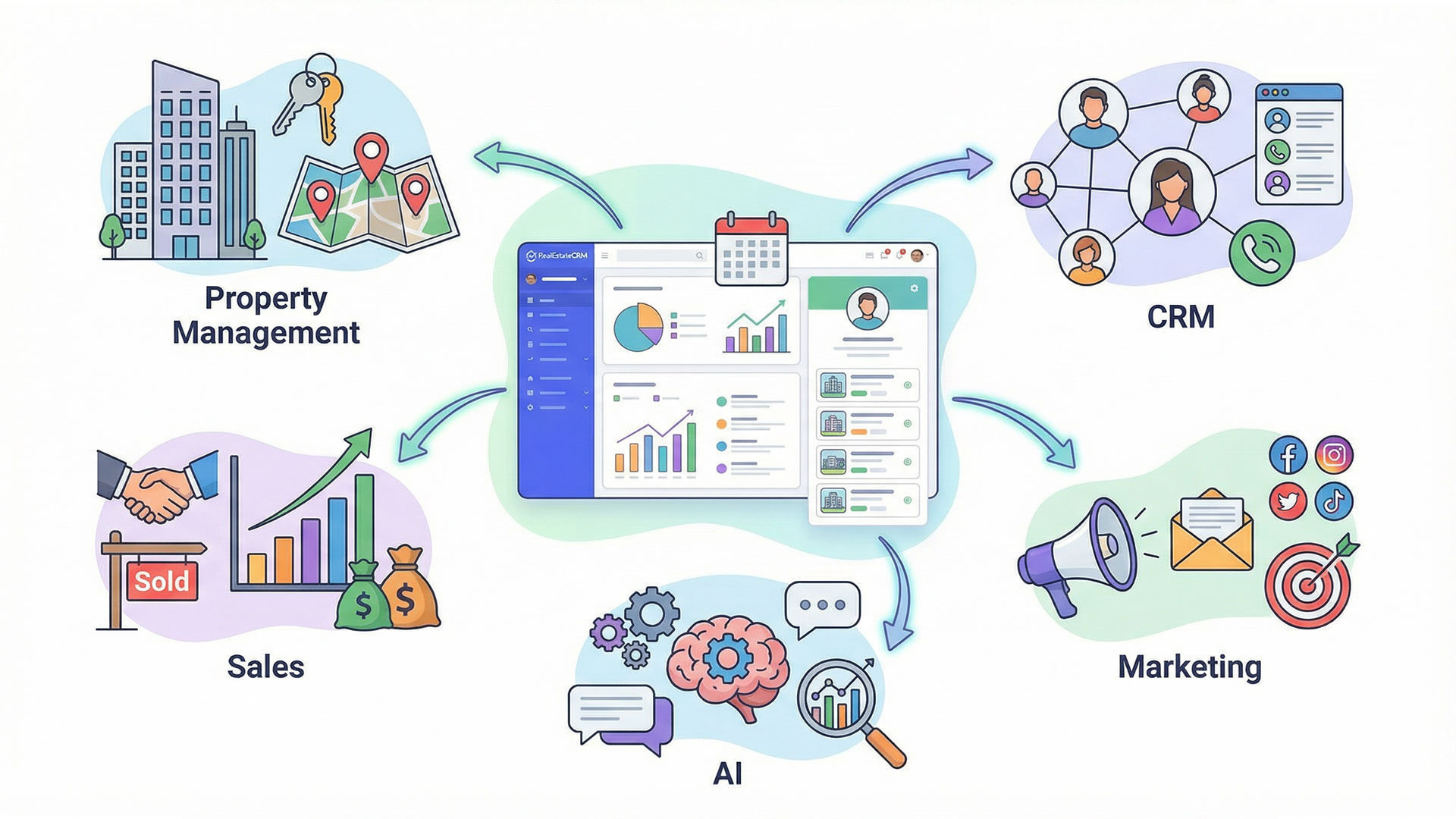
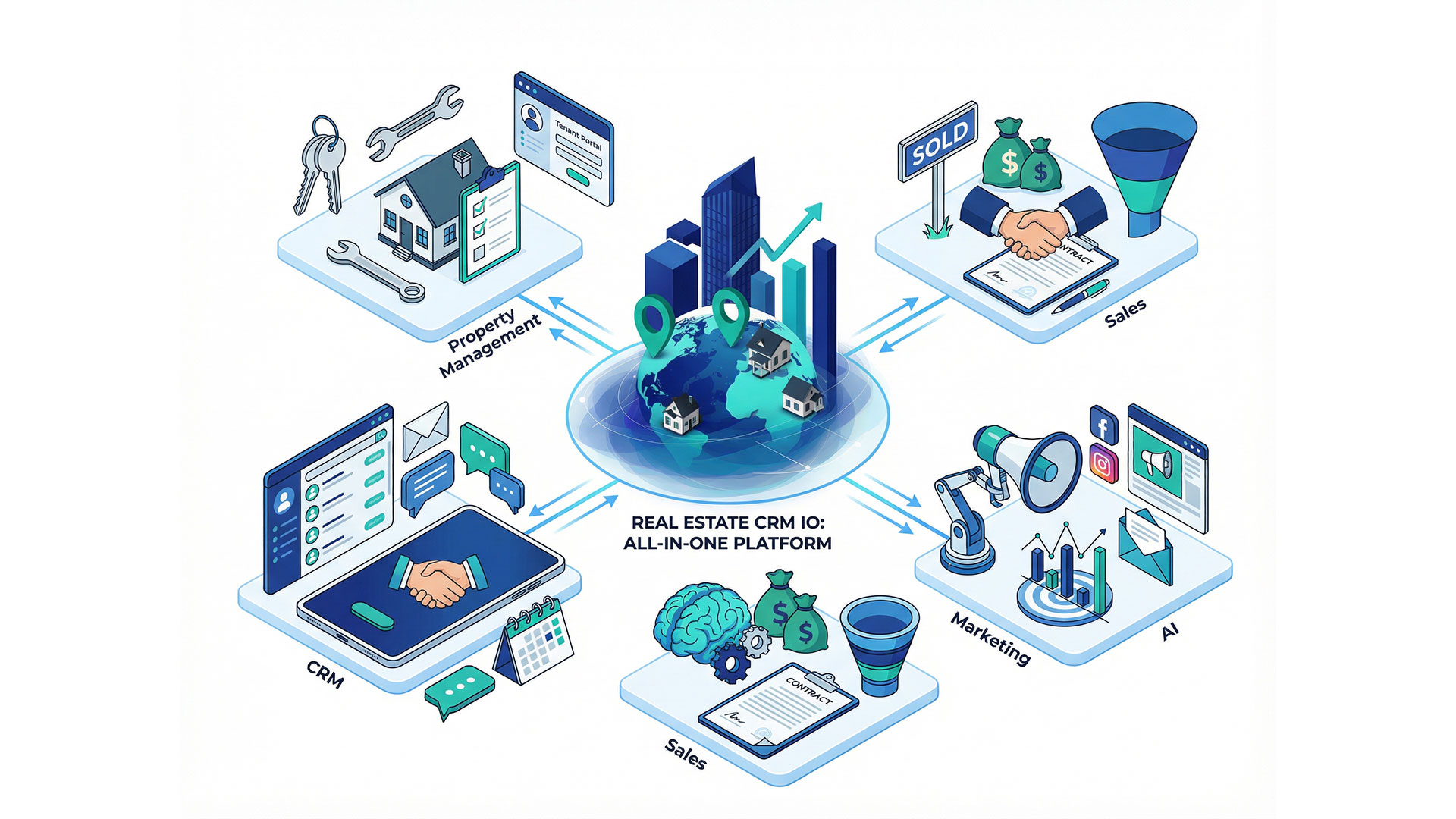
Everything You Need in One Platform
Replace your disconnected tools with one powerful, integrated platform designed from the ground up for real estate.
Never Lose a Lead Again
360° view of every client relationship with complete interaction history, automated follow-ups, and intelligent segmentation.
- Automatic lead capture from all channels
- Smart lead scoring & qualification
- Complete activity timeline
- Duplicate detection & merge
Four things generic CRMs don't do
Most agencies don't leave their CRM because they dislike it. They leave because it was never built for property in the first place.
Built for property, not adapted to it
Listings, buildings and portal feeds are first-class records — not custom objects bolted onto a generic contact database. That difference shows up the first time you publish a property.
What a real estate CRM should doWhatsApp as a real channel
For most agencies outside North America, WhatsApp is where the business actually happens. Every user seat includes a connection, and conversations file against the contact and the listing they concern.
See WhatsApp CRMAI across the workflow
Not a description generator bolted on the side. An assistant in every module, voice agents that answer your phones, chat agents on WhatsApp and your website, and image tools that make listings presentable.
Explore the AI featuresBuilt for cross-border selling
Multi-currency and multi-language by default, with custom portal feeds that connect to whichever portals your market uses — including regional ones no vendor lists as an integration.
International brokersServing Real Estate Professionals Worldwide
From Asia to the Americas, we support international agencies with multi-language, multi-currency, and global portal integrations.
Asia-Pacific
- Thailand
- Bali
- Singapore
- Hong Kong
- Vietnam
Middle East
- Dubai
- Abu Dhabi
- Qatar
- Saudi Arabia
Europe
- Spain
- Portugal
- France
- Italy
- UK
- Greece
Americas
- Florida
- Mexico
- Caribbean
- Costa Rica
Plus 20+ more countries and growing
Ready to Transform Your Real Estate Business?
Join 500+ agencies worldwide who've streamlined their operations, saved hours weekly, and closed more deals with RealEstateCRM.